Bookkeeping you talk to.
wanderbooks is real double-entry accounting run by an AI bookkeeper. You tell it what happened and hand it receipts; it keeps the books, balanced to the cent. You watch every number, live, and click through any of them to the receipt behind it.
curl -fsSL https://git.swaits.com/swaits/wanderbooks/raw/branch/main/install.sh | sh -s -- ~/Books/YourCompany
One line: installs everything, makes your books, and starts your bookkeeper. Linux and macOS; Windows via WSL2.
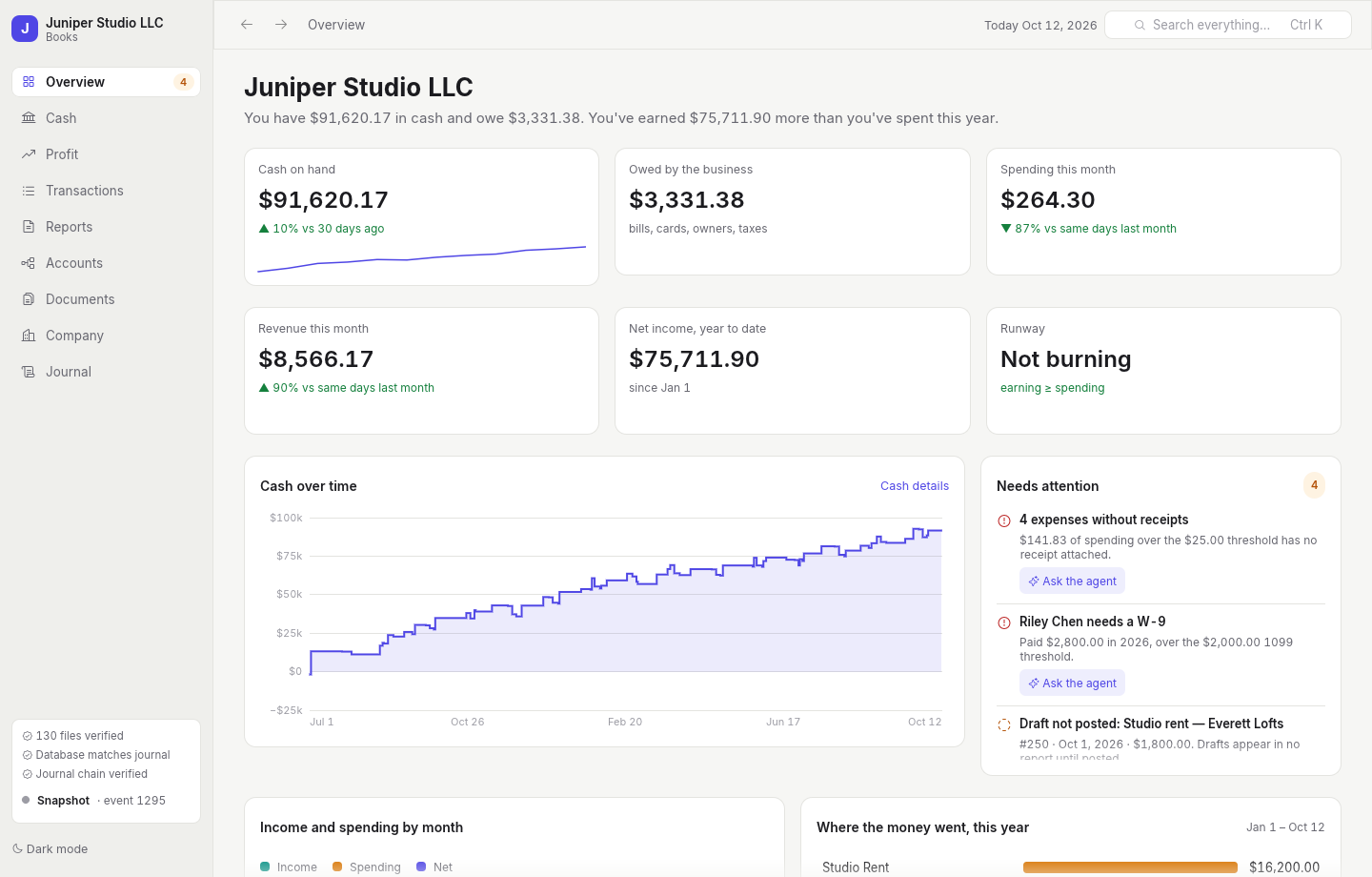
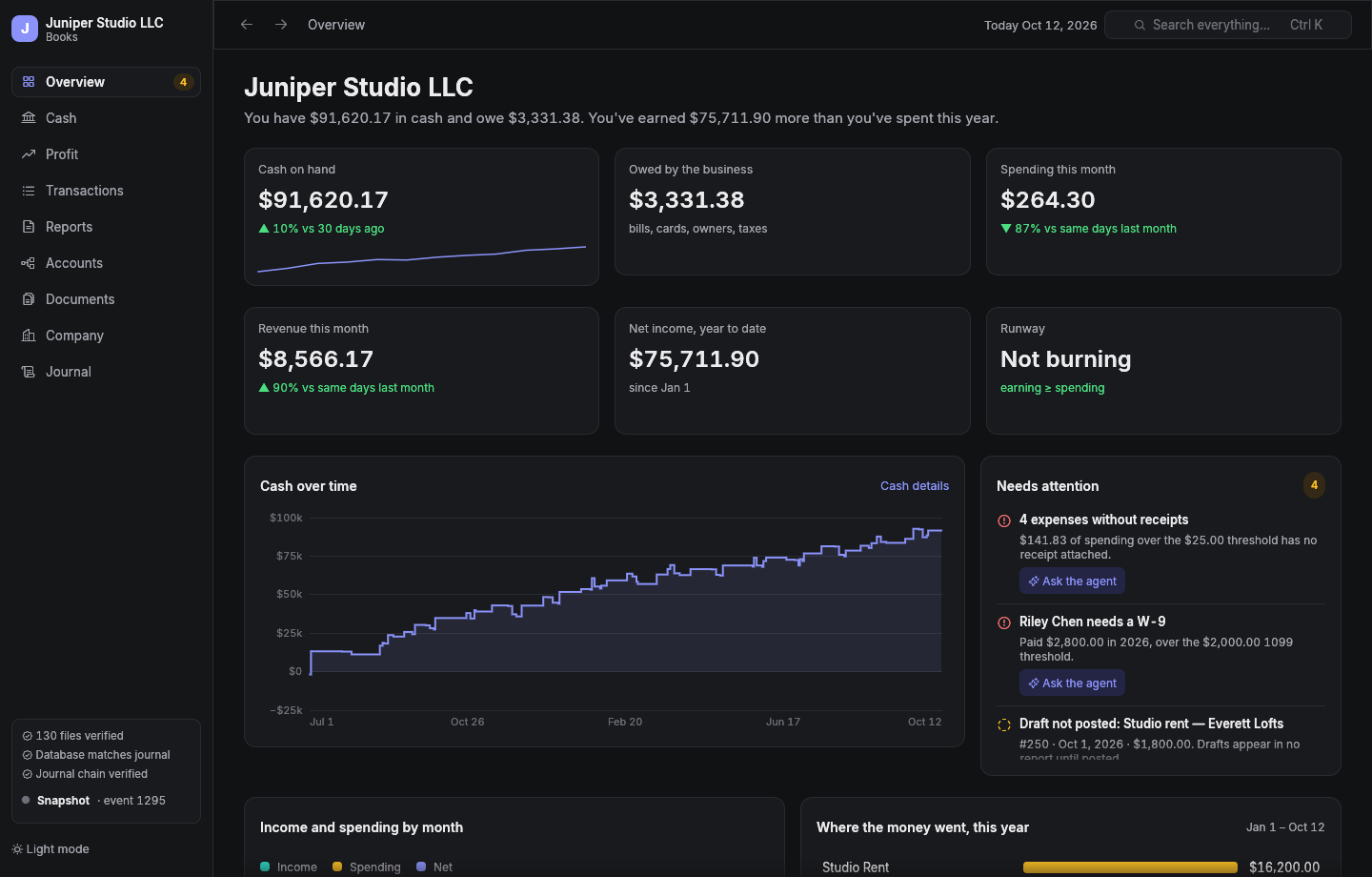
The overview of a demo company. It leads with the answer, then the evidence.
You talk. It keeps the books. You see everything.
No forms, no categories to hunt for, no month-end scramble. The bookkeeper works through an accounting engine that refuses to be wrong, and the books are always open in front of you.
Your bookkeeper is an AI agent
“Record the Apple developer fee, the receipt's in my email.” It drafts the entry, shows you the preview, attaches the receipt, and posts when you say so. Claude Code, via MCP.
A desktop view of everything
Cash and runway, profit by month, every transaction with its rendered receipt, statements an accountant would sign off on. Changes the agent makes appear in milliseconds.
Your books are files you keep
An append-only journal, your receipts, and a config file, in a folder under git. No subscription, no lock-in, no cloud you don't control.
Every number goes all the way down.
Click an amount on a statement and you get the transactions behind it, for exactly those dates. Click a transaction and you get its lines, the receipt itself, and every event in its history.
- Statements an accountant expects: profit and loss, balance sheet, cash flow, owners' equity, trial balance, general ledger.
- By month, quarter, or year, compared with the prior period, each line as a share of income.
- Tax-ready: tax categories by return (Schedule C, 1065, 1120-S, 1120), a 1099 worksheet, receivables and payables aging.
- Real-business features: invoices and bills, fixed assets and depreciation, prepaid expenses, recurring entries, platform payouts grossed up, classes, multi-currency lines.
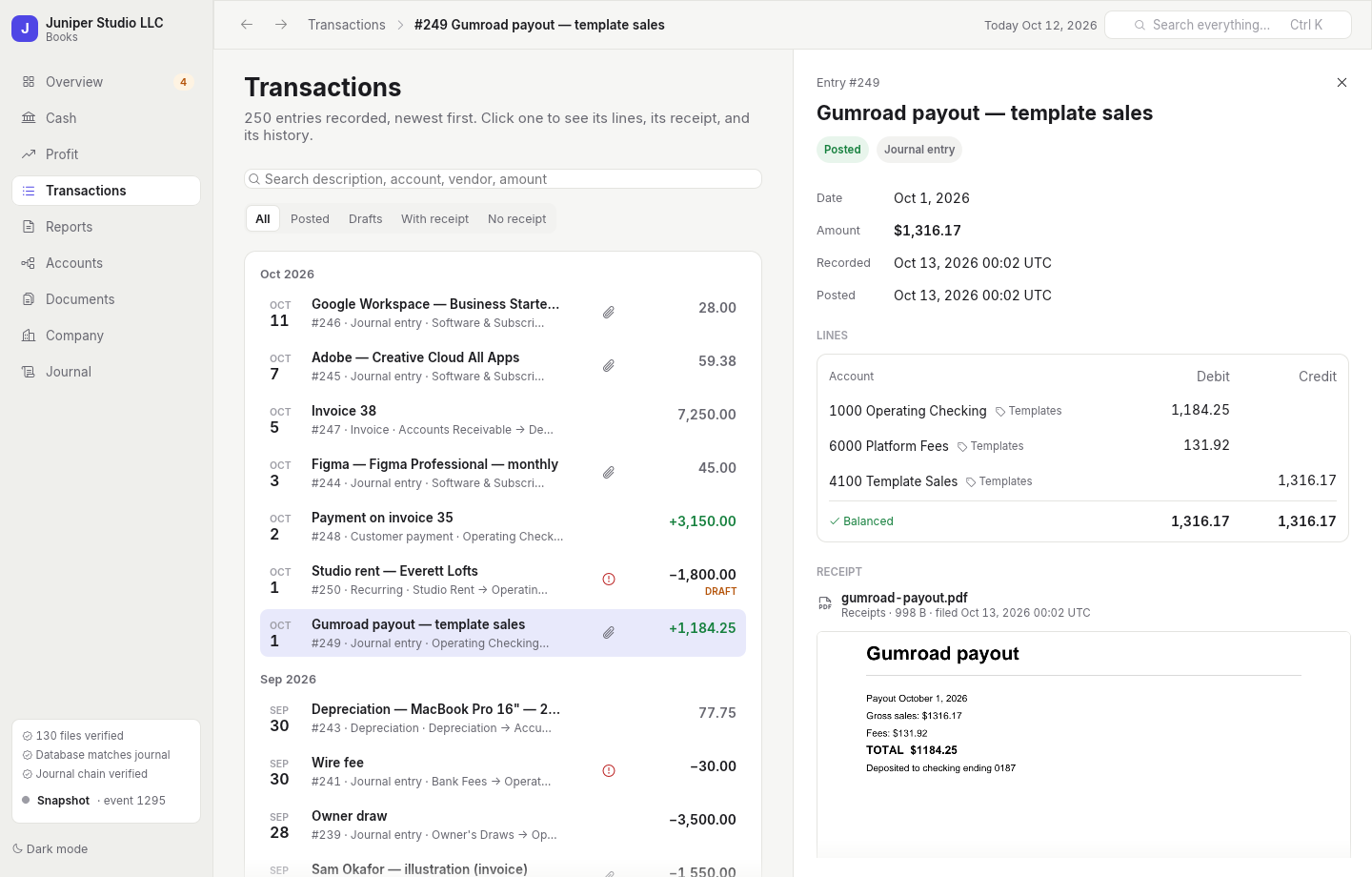
Built so you can trust it.
An AI is doing your books, so the books have to be impossible to quietly get wrong.
The engine enforces accounting
Every entry balances exactly; money is exact decimal, never floating point. Posted entries are permanent; corrections are reversing entries. Receipts are required over your threshold, enforced by the server.
A tamper-evident journal
Every change is an event, hash-chained to the one before it. The database is rebuilt from the journal and checked against it, table by table; every receipt is checked against its hash. The app shows you the result.
You approve what matters
The agent previews every posting before it happens. The desktop view can't change anything; when it spots a problem it hands you a prompt for the agent.
Install
The one line above does everything. It installs Rust if you don't have it, builds wanderbooks, makes your books folder with the bookkeeper wired in, and starts a session to set up your company.
Linux
Needs a C compiler and git (build-essential on Debian and Ubuntu). The installer tells you if anything's missing.
macOS
Needs Apple's command line tools: xcode-select --install.
Windows
Run it inside WSL2 (wsl --install, then Ubuntu). On Windows 11 the desktop view opens as a normal window. Native Windows is on the way.
Already installed? wanderbooks new ~/Books/AnotherCompany. Inside a books folder, just gui opens the desktop view and just agent starts your bookkeeper. You'll need Claude Code.